

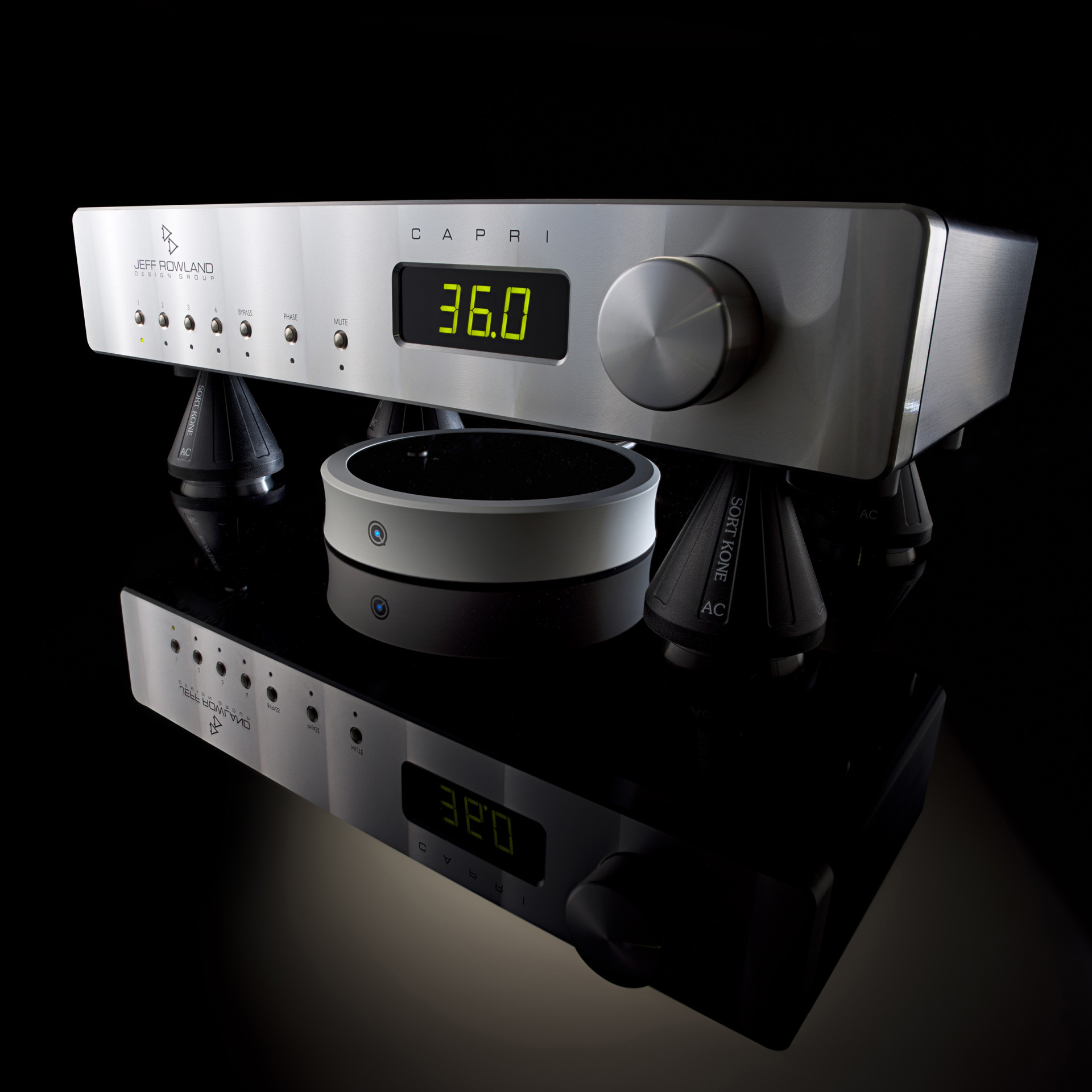
Unlike the QBase, QKore and QWave, all of which target the system’s AC power, QPoints target the DC side of electronic devices. QPoints are placed under any item of audio electronics, from preamplifier or phono section to power amp, DAC or CD player, ideally placed as close as possible to the unit’s circuit boards. I hooked up three QPoints, one under my Audio Research Reference 6 Preamplifier, another under my ARC Reference Phono 3 and a third under the Wadax Studio Player. Nordost recommends placing the QPoint close to the component’s greatest concentration of DC components (in most cases this means circuit boards) but not too close to the AC input. The plexiglass tops and bottoms of my Audio Research products made finding the sweet spots easy. The Wadax is stuffed full of circuit boards, so I simply slipped the QPoint under the conveniently raised middle, a bit closer to the back of the unit (and away from the drawer mechanism) for maximum DC proximity. With other products, you can look on-line for clues as to where the DC components are located.
What’s the Point?
Nordost developed the QPoint after observing the spontaneous synchronization effects of resonating objects found in both nature and man-made objects. The best-known example is where two or more (even a room full of) metronomes are started out of synchronization, over time they will spontaneously synchronize. A room full of metronomes moving out of synch would (and on YouTube do), sound quite discordant. While you might not hear the electromechanical resonance of your circuit boards swaying out of synch in the same way, you can hear the smeared, muddy sound that their oscillations create. The point of the QPoint is to remove this electromechanical noise by bringing those fields into synchronization.
The real advance in the application of the Electromagnetic Field Stabiliser technology first seen in the QX boxes lies in the refinement of the field generated and the distributed nature of the QPoints, where individual field generators can be optimally positioned for each electronic component – rather than simply generating the biggest field possible and hoping it reaches where it needs to. Moving from an all-aluminium casework further improves matters, allowing the field produced by the QPoint to be weaker, more focused but also more effective. In practice it offers a 25cm/10” range, which is sufficient for most purposes.
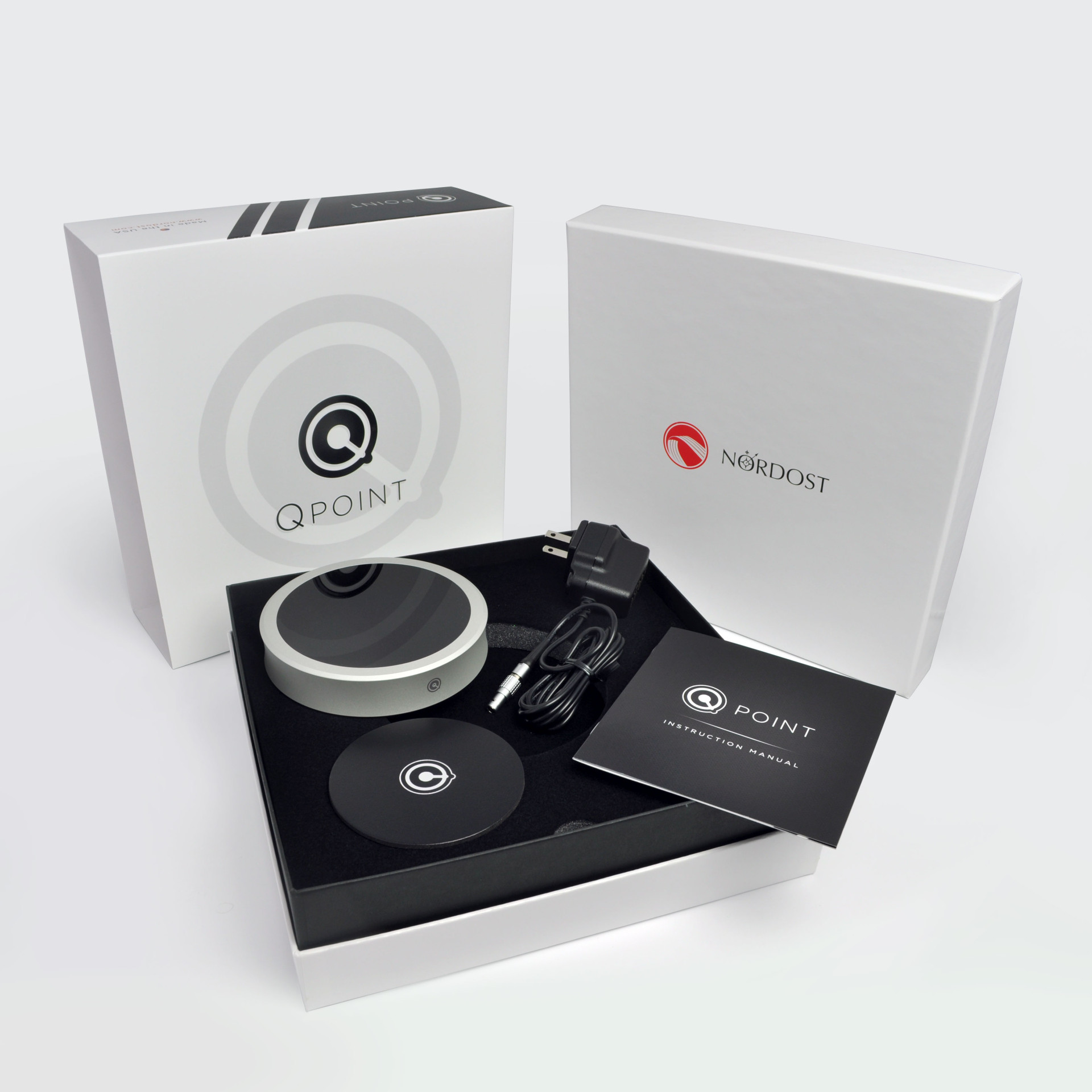
The signal is emitted from the (upper) plexiglass side of the QPoint, which is, as noted above, placed immediately under the target component. Where the QPoint cannot be positioned under the component, Nordost supplies a felt pad so that it can be placed on top, plexiglass side down, the felt pad serving to protect the target unit’s top plate.
Nordost experimented with various frequency combinations or ‘tunings’ of the electromagnetic field during development of the QPoint, finally narrowing it down to two that were significantly more effective than the others. The QPoint allows the user to switch between these two ‘modes’ indicated by the green or blue illumination. Once you’ve established a preference, Nordost recommends using the same mode across all QPoints in a single system.
Getting to the Point…
I connected each of the installed QPoints to the QSource with QSource Premium DC Cables (the difference in price for the Premium cable – $390 as opposed to $345 for the standard one – makes the Premium cable a no-brainer). This set-up made comparisons easy. Rather than unplugging multiple devices (by pulling and plugging three cumbersome wall warts) for each comparison, with the QSource, I turned all three QPoints on or off with a single flip of the power switch feeding the linear supply. Convenience aside, the QSource provides a quieter, more effective and better sounding QPoint.